Only registered TVs connect
Only TVs registered with a one-time install code can connect to the server. The server stores only hashes of codes and device tokens.
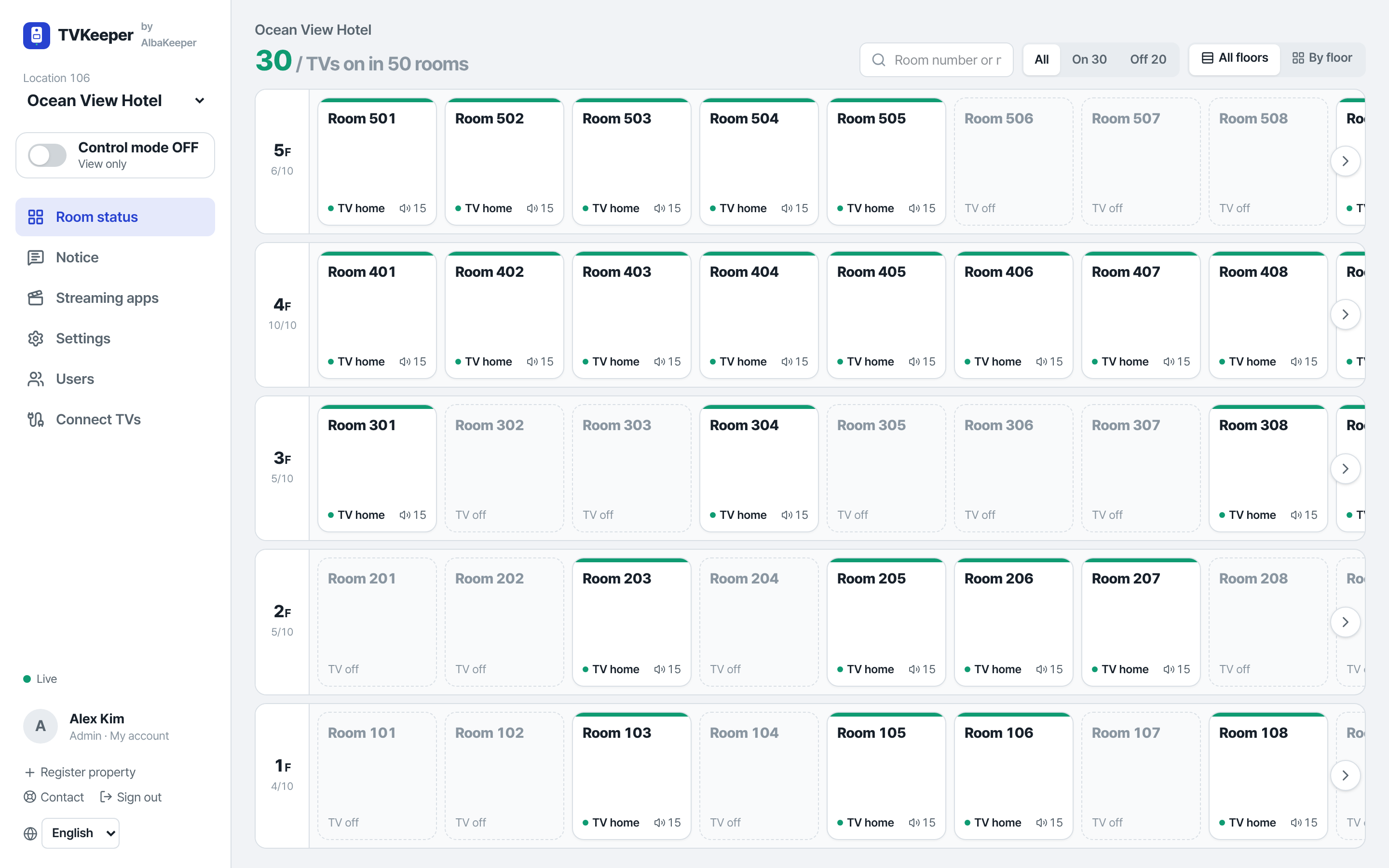
See which rooms have the TV on and which are on mute, all on one screen. When a guest calls, skip the trip upstairs and fix it with one tap.
1 TV · 7 days · no payment details needed
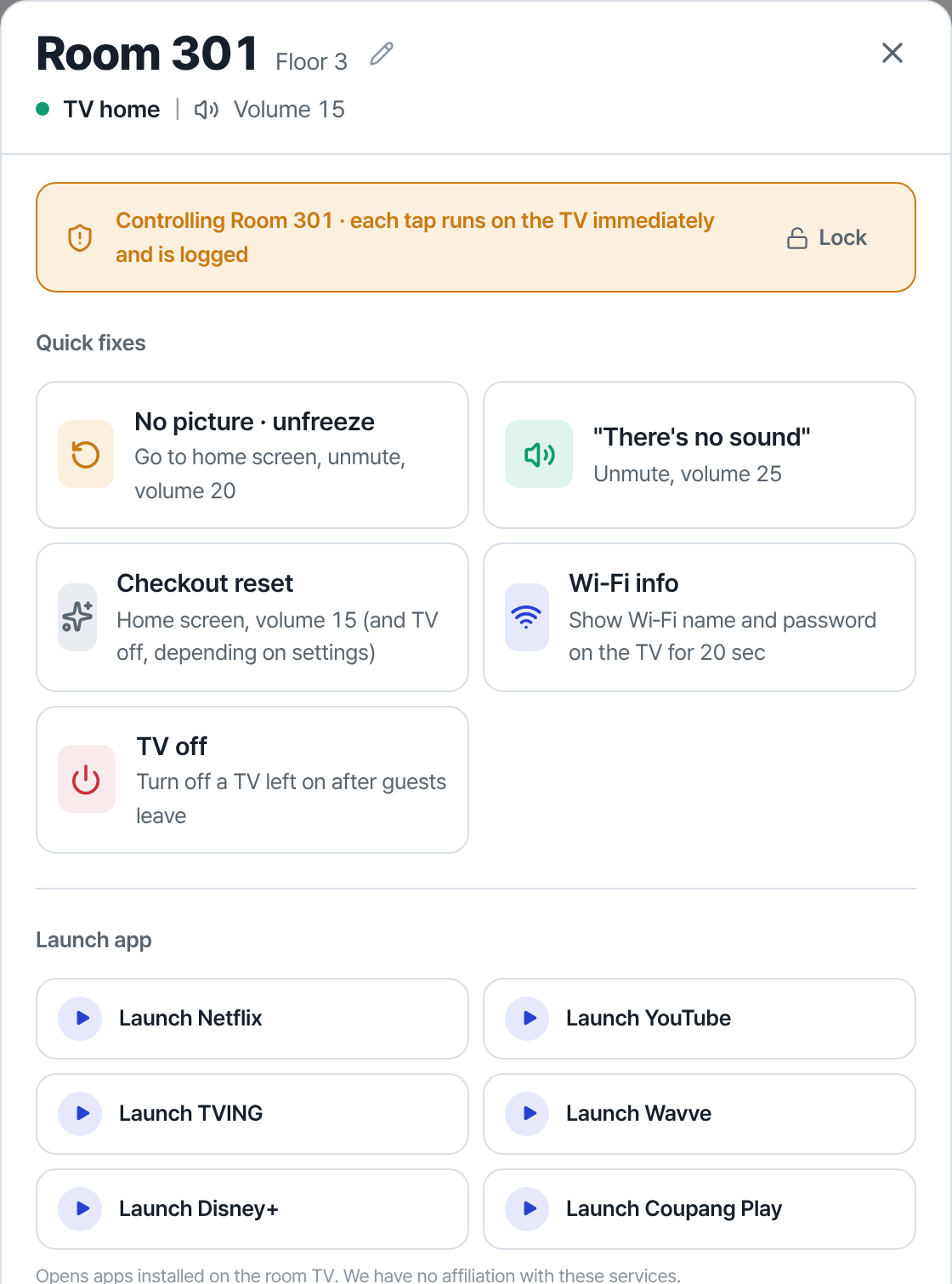
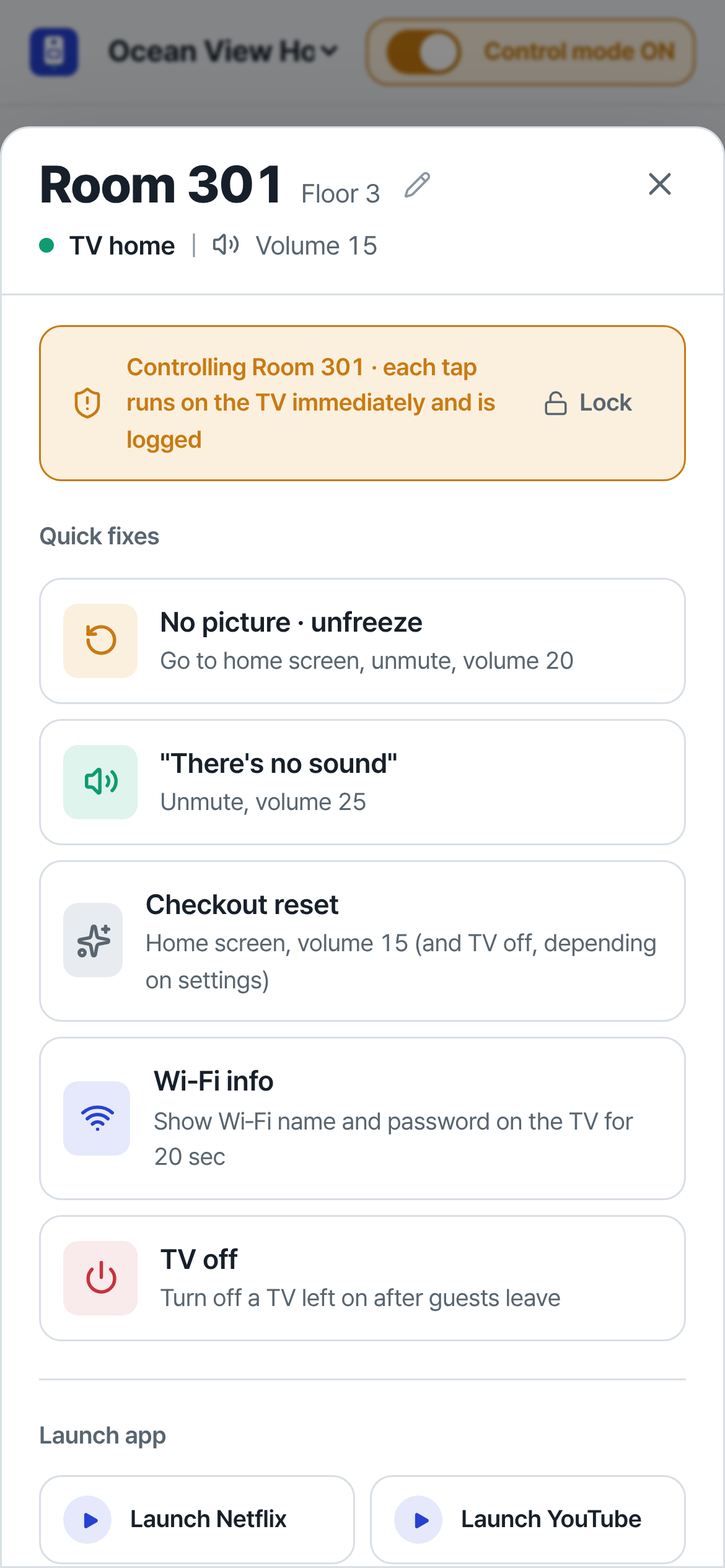
"The screen's not working"Unfreeze — goes to the home screen, unmutes and sets the volume
"There's no sound"Fix sound — unmute, volume 25
"How do I watch Netflix?"Launch app — opens Netflix, YouTube or TVING already installed on the room TV
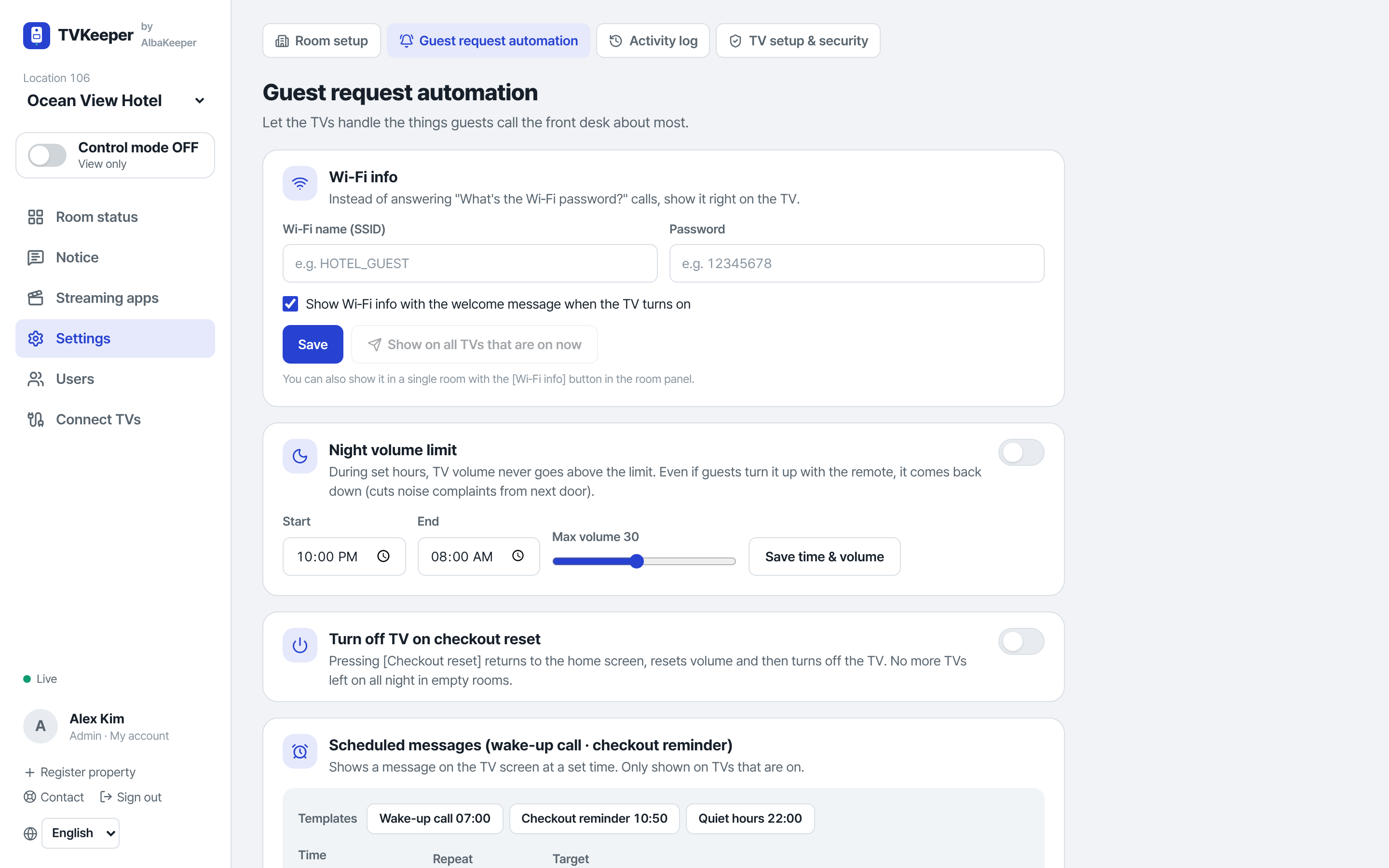
"What's the Wi‑Fi password?"Wi‑Fi info — shows the network name and password on the TV for 20 seconds
"I can't find the remote"Remote — press arrows, Home and Back right on your screen
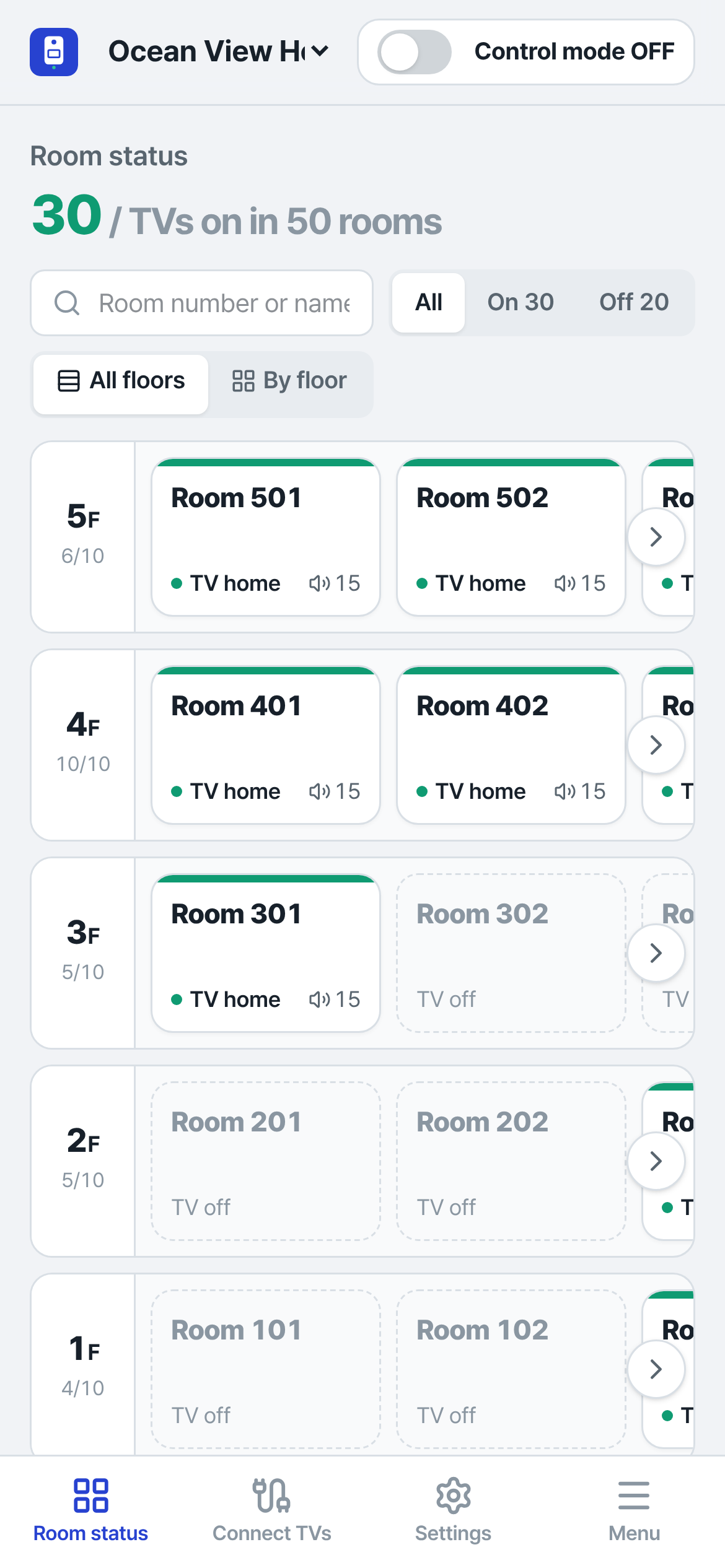
On the owner's phone or a staff phone. No app to install — just sign in from a browser.
Every property has different TV brands and models. So instead of promising it'll work, we let you see for yourself. Connect 1 TV free for 7 days — if it works, keep going; if not, walk away. We never ask for payment details, so there's nothing to cancel.
| Room TVs | Connection method | How it works |
|---|---|---|
| Android TV · Google TV | Install an app on the TV once | The installer registers each TV once with a one-time install code, and that's it. From then on, the TV connects by itself whenever it turns on, and no other TV can cut in. |
| LG smart TV (webOS) | Front-desk PC does the work | A relay program on the front-desk PC, on the same router, acts as the remote. Use [Find TVs] in the console to find and connect TVs on the same network. |
| Samsung smart TV (Tizen) | Front-desk PC does the work | Connects through the same relay program as LG. Power off, volume, streaming app launch and input switching work, but on-screen messages aren't available on Samsung TVs. |
| Other TVs | Ask about your model | If Google TV or Android TV appears on the home screen, it connects by installing the app. For other TVs, contact us with the model name and we'll check and get back to you. |
Only TVs registered with a one-time install code can connect to the server. The server stores only hashes of codes and device tokens.
Admin · Staff · View only. Staff can control rooms but can't change settings or manage users.
Risky actions like adding an admin or remote maintenance require an authenticator app code again, even after you've signed in.
Buttons work only after you turn on control mode and pick a room. It locks again after 90 seconds of inactivity.
Who sent what to which room, when, and whether it worked. Search by date, room or category.
Uses your email-verified AlbaKeeper member account as-is. 5 failed password attempts lock the account for 10 minutes.
TVKeeper is a service that lets lodging properties like motels and hotels see and remotely control in-room TVs from the front-desk PC and their phones. See which room TVs are on and their volume and mute status on one screen, and handle guest issues like a frozen screen, no sound or Wi‑Fi questions with one tap. Whatever TVs are in your rooms, connect 1 TV free for 7 days — if it works, keep using it; if not, simply don't.
It depends on the brand, model year and settings, so trying it yourself is the most reliable way to know. Android TV and Google TV connect by installing an app on the TV, while LG and Samsung smart TVs connect through a relay program on the front-desk PC. For other TVs, tell us the model name and we'll check whether there's a way to connect. The trial starts without payment details and has no auto-billing, so if it doesn't work, just leave it.
For Android TVs, an installer adds the app once on each TV and enters the install code. With many rooms, an ADB script repeats it. For LG and Samsung TVs, install the relay program on the front-desk PC, then find and connect the TVs from the console. Instructions are in the setup guide after you sign up.
Guests can keep using the TV with the remote as usual. Only the connection to the server drops, and it reconnects automatically once the internet is back.
No. We only see whether the TV is on, the current app name, volume and mute status. Screen content and audio are never transmitted, and status is only reported while someone has the console open.
Yes. TVKeeper uses an AlbaKeeper account (email) to sign in, but you don't need to use any AlbaKeeper features. Just verify your email when signing up.
Sign up and connect your first TV in 10 minutes. If it works, roll it out to every room. If not, just leave it.